Get started
Quickstart
Rig your first character in five steps.
This walks a static mesh character through to a posed, animatable skeletal mesh.
1. Create a Rig Definition
Right click in the Content Browser, choose Rig Definition, and name it. Open it and set Source Mesh to the static mesh you want to rig.
2. Place the markers
The panel lists every marker to place. Click on the mesh in the viewport to drop the selected marker, then move to the next one.
You only place the left side. The right side is mirrored for you.
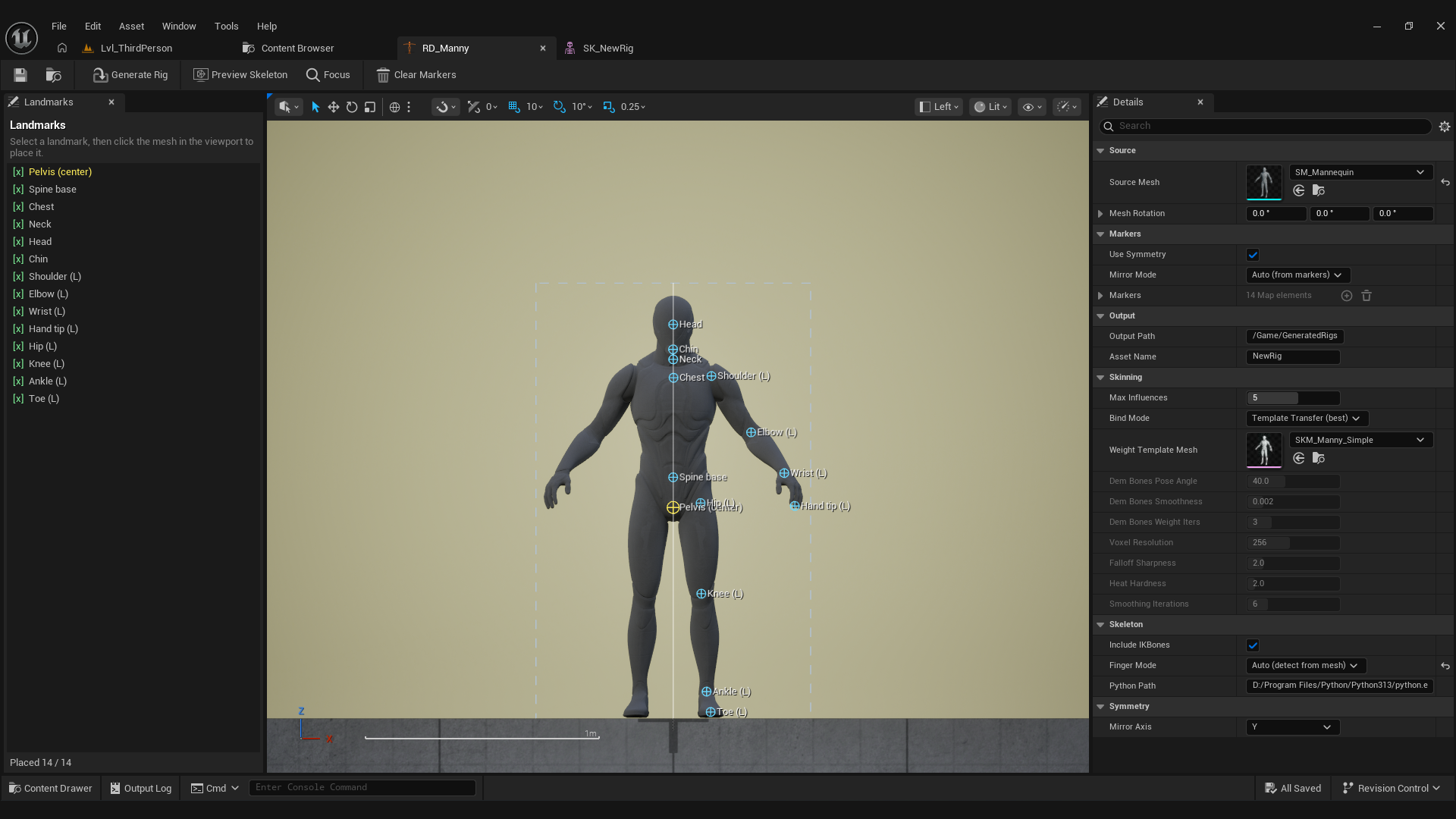
Markers do not land on the surface where you click. The plugin collects every point where the ray enters and exits the mesh and places the marker in the middle, so the bone sits inside the limb. See Placing markers for the full list and the rules that matter.
3. Generate the rig
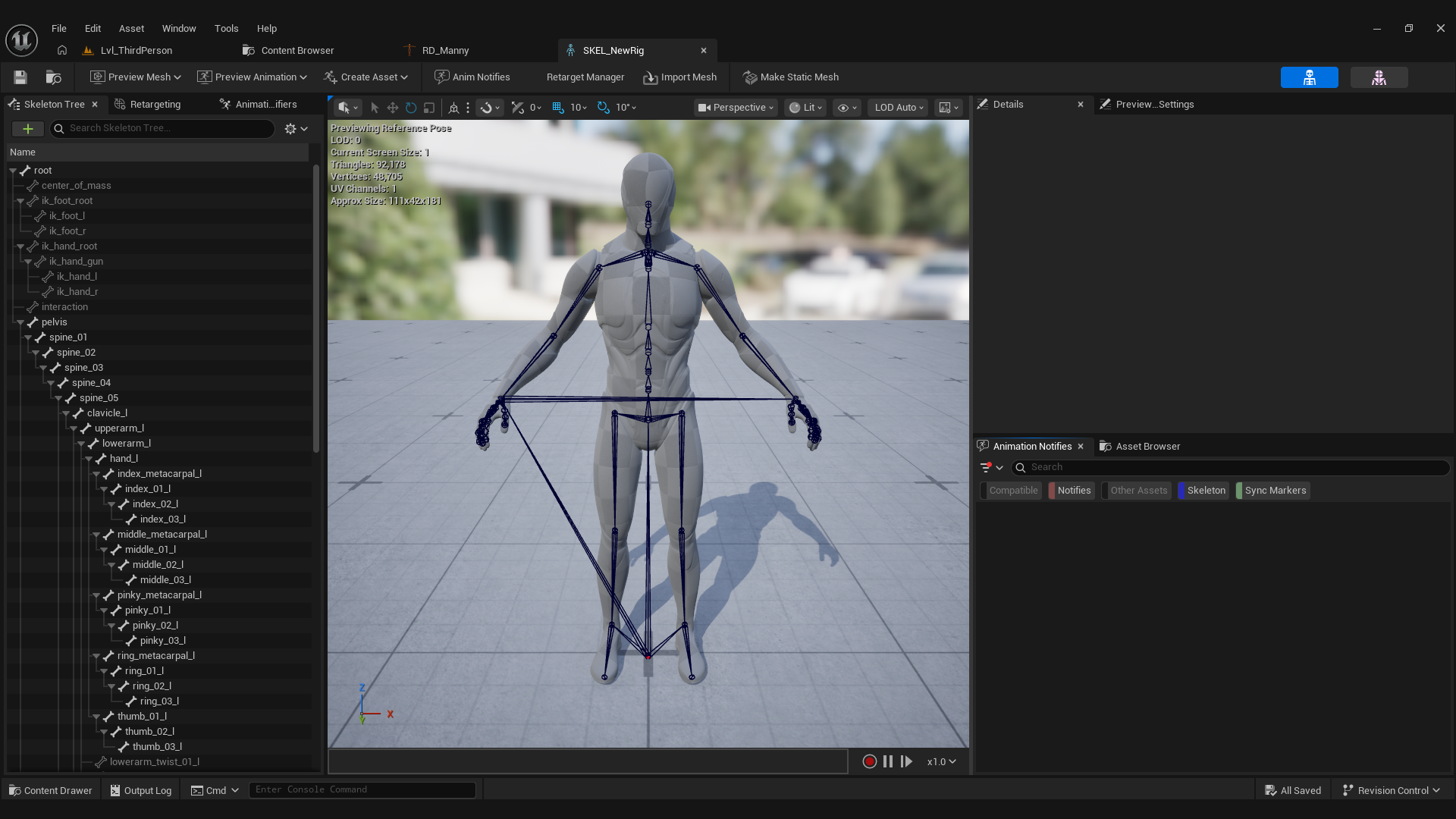
Press Generate Rig. RiggingCore fits the Manny bone table to your markers, places the fingers, transfers skin weights, and saves two assets next to the Rig Definition:
SK_YourCharacter: the skeletal meshSKEL_YourCharacter: the skeleton
4. Check the bind
Open SK_YourCharacter and rotate a shoulder and a knee in the skeleton tree. The mesh should follow without opening a gap at the joint.
If it tears, read Skin weights.
5. Retarget an animation
Because the skeleton matches Manny, any Manny or Mixamo animation retargets onto it. See Retargeting animations.