Rigging
Placing markers
The full marker list, how placement works, and the rules that decide rig quality.
Markers are the only input that decides where the bones land. Everything else is automatic, so this is the step worth spending time on.
How a marker is placed
Clicking in the viewport casts a ray into the mesh. Instead of taking the first surface hit, RiggingCore collects all the hits along the ray, sorts them, and places the marker halfway between where the ray enters and where it exits.
That puts spine and limb bones on the centerline of the body instead of stuck to the skin. It is the same trick used for the finger joints.
The markers
Spine and head
- Pelvis: the hip center, roughly where the legs meet.
- Spine Base: just above the pelvis.
- Spine Chest: the middle of the chest.
- Neck: the base of the neck.
- Head: the center of the skull, not the top.
Arms (left side only)
- Shoulder: the shoulder joint, not the top of the shoulder pad.
- Elbow: the elbow joint.
- Wrist: the wrist joint.
Legs (left side only)
- Hip: the hip joint, out to the side of the pelvis.
- Knee: the knee joint.
- Ankle: the ankle joint.
- Toe: the ball of the foot.
Rules that matter
- Place joints, not surfaces. Aim at where the bone actually pivots. The centerline trick handles depth, but left to right and up to down are on you.
- Only do the left side. RiggingCore derives a mirror plane from your markers and mirrors the left arm and leg onto the right, so the rig stays symmetric even if your clicks are a few millimeters off.
- Head goes in the skull, not on top of it. A marker on the crown pushes the head bone out of the mesh and makes head turns look wrong.
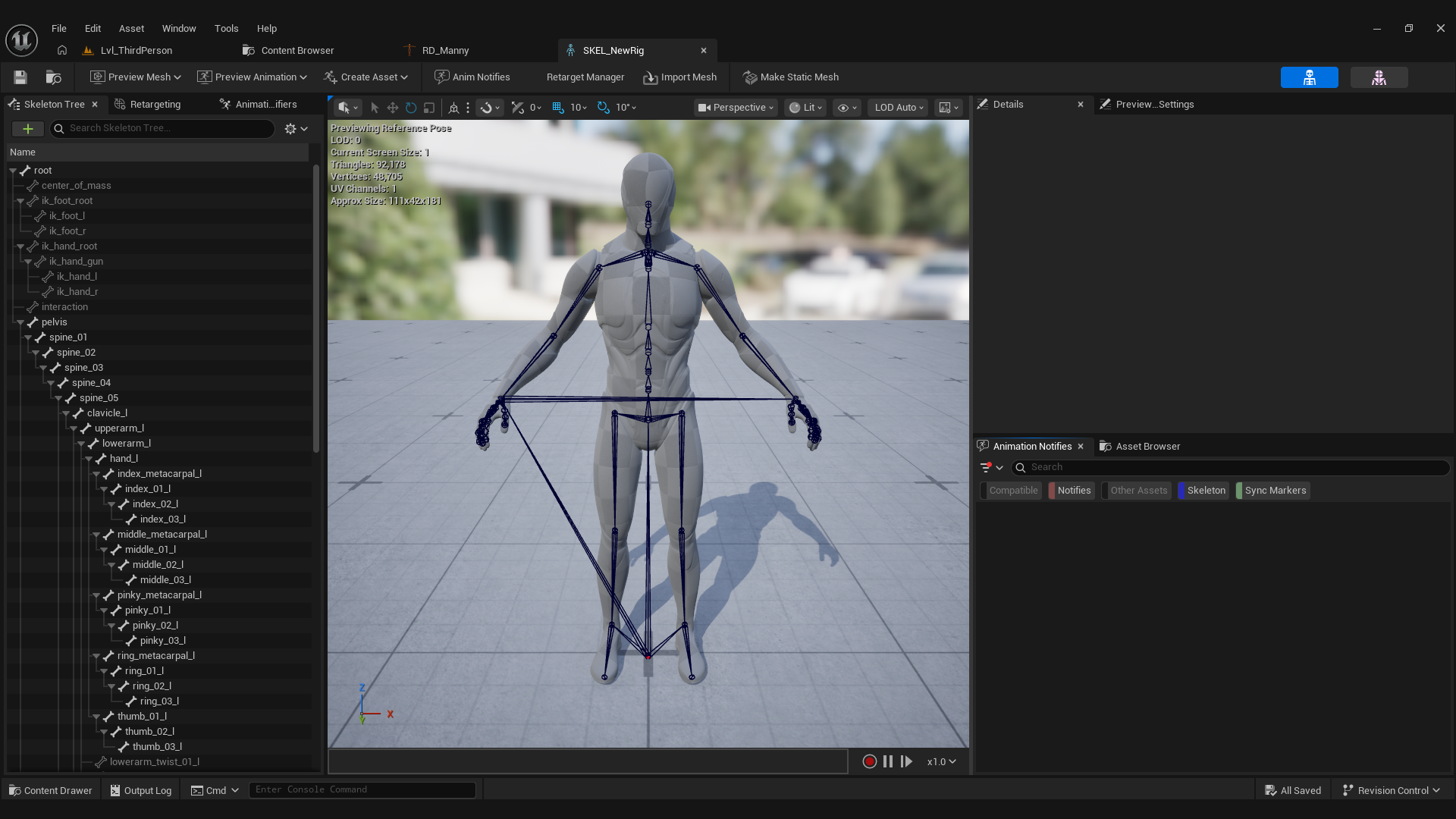
- Do not chase the spine curve. You place the base and the chest. The bones in between (
spine_02throughspine_04,neck_02) follow Manny's own curve along the chain.
What happens after
The main bones land exactly on their markers. Twist bones go to their parent, because a generated rig has nothing driving them. Every bone aims down the chain toward its main child and keeps Manny's roll, which is what makes retargeting look right instead of subtly twisted.