Rigging
Fingers
How the 30 finger bones are placed with MediaPipe, and what to do when detection fails.
You do not place finger markers. RiggingCore finds the finger joints itself.
How it works
- The plugin builds a frame for the hand from the forearm direction and the palm normal, then renders one lit image looking straight at the palm.
- Python runs MediaPipe Hands on that image and reads 21 landmarks: the wrist, plus three joints and a tip for each finger.
- Each landmark is raycast back onto the mesh, and the joint is placed at the middle of where the ray enters and exits, so it sits inside the finger instead of on the skin.
- C++ reads the joints back and places every finger bone: the metacarpals, three bones per finger, and the thumb.
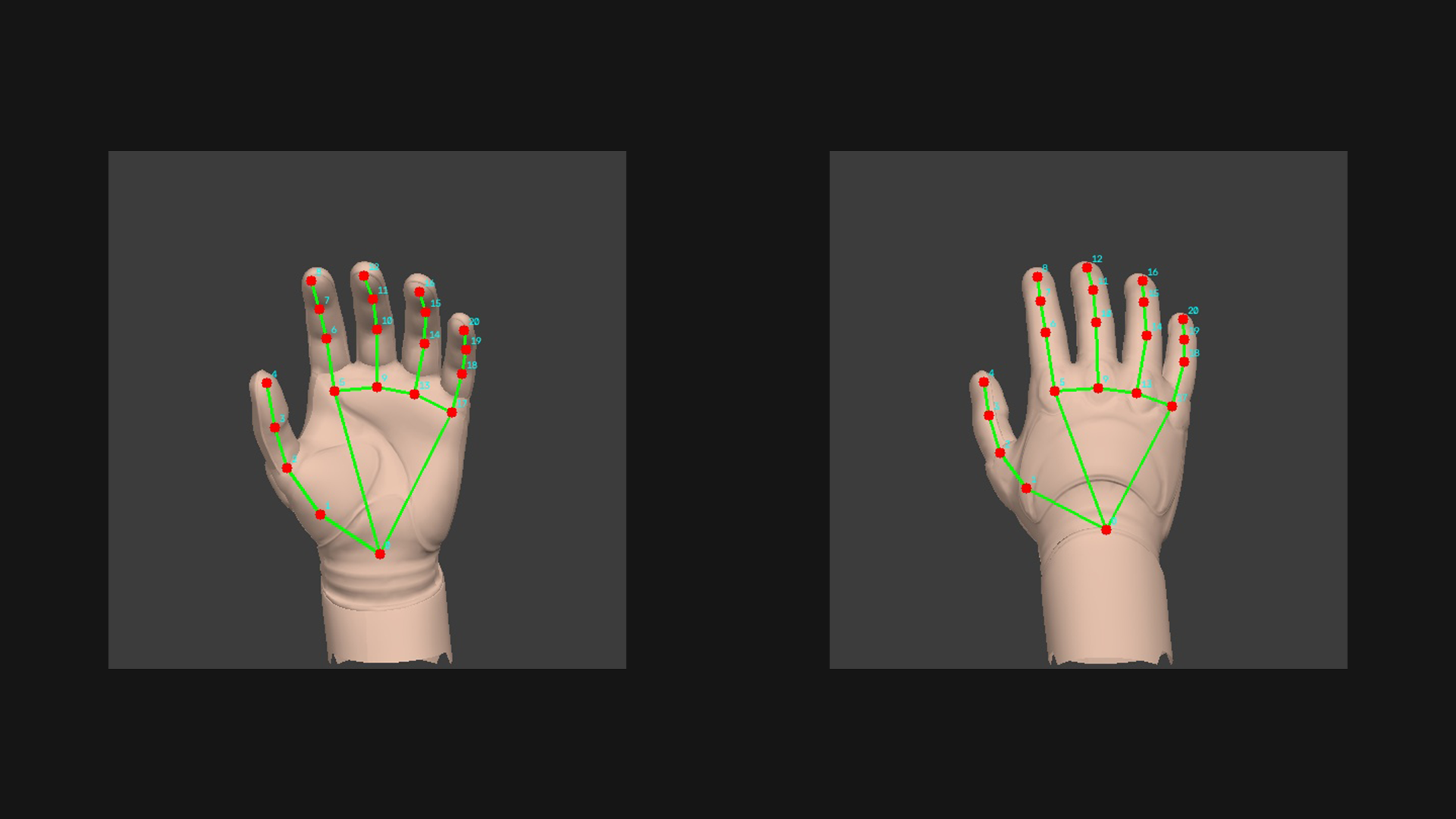
The red dots are the 21 landmarks, the green lines are the hand skeleton MediaPipe fits, and the cyan numbers are the landmark order.
When detection fails
If MediaPipe does not find a hand on the palm view, the plugin flips to the back of the hand and tries again. If that also fails, it falls back to the oriented template hand: the whole finger hierarchy is dropped in with a single rotation matched to Manny's template hand frame.
The fallback is symmetric and never breaks, but it is a guess. It does not look at where your fingers actually are.
Common reasons detection fails:
- Mittens, gloves, or fused geometry where the fingers are one solid block.
- Very stylized hands with three or four fingers.
- Fingers curled all the way into a fist.
Checking the result
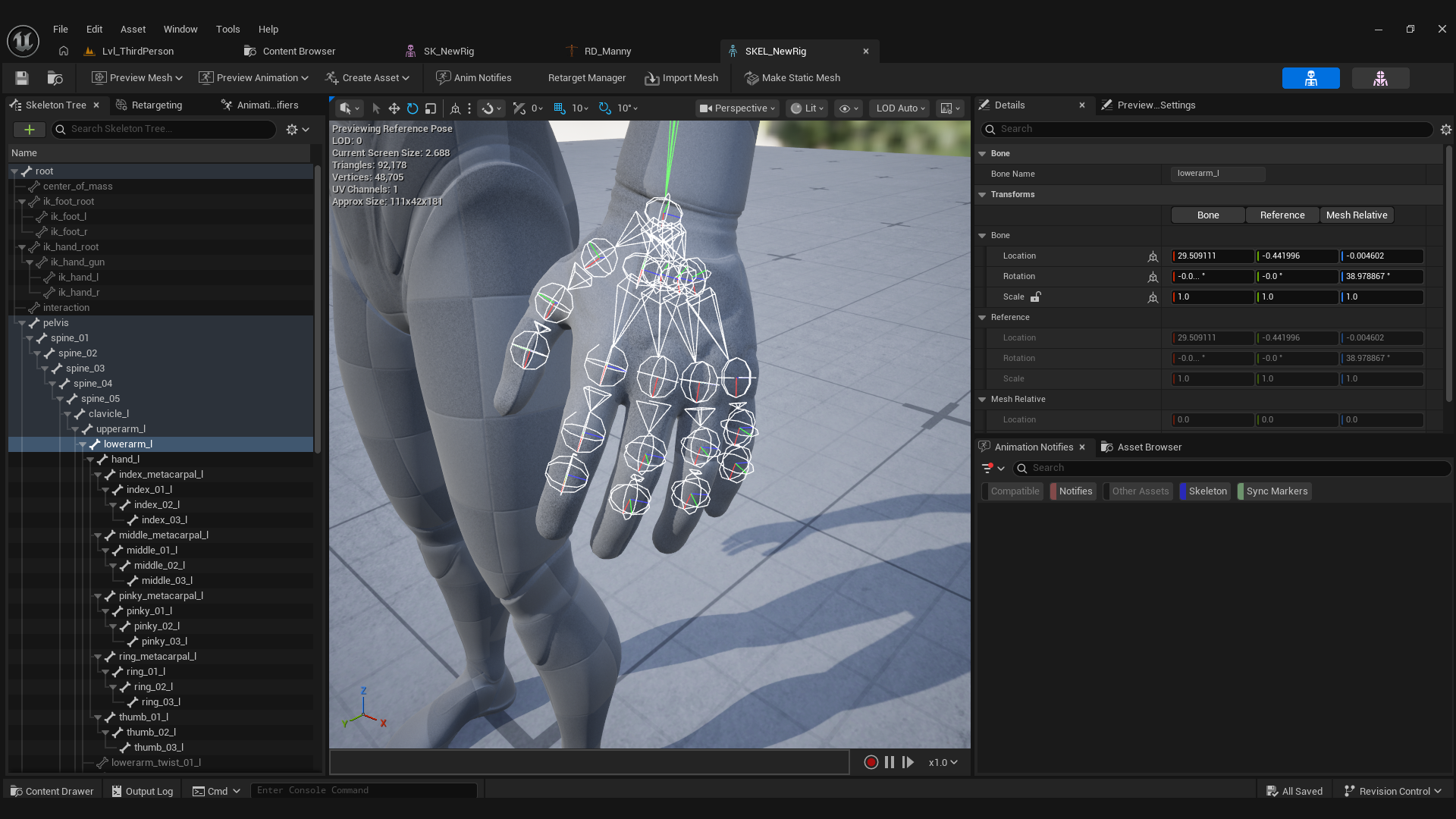
Open the generated skeletal mesh and rotate a finger bone. The bones should sit along the middle of each finger.