Get started
Introduction
What the plugin does and what it leaves to you.
Footstep System plays footsteps based on two things: the state your character is in, and the surface it is standing on.
Walking on grass and sprinting on metal are two rows in a data asset. You fill the rows in, and the plugin does the rest.
What it does
- Looks footsteps up in a Footstep Database asset by state and surface.
- Finds where each foot lands in your animations and places the notifies for you.
- Fires an On Footstep event with everything it worked out, so you can add your own logic.
- Lets you attach Footstep Actions to a single surface, written entirely in Blueprint.
- Works in multiplayer, and the default mode sends nothing over the network.
- Comes with a playable demo level, so you can hear it working before you touch your own character.
What it does not do
- It does not ship any states for your game. States are Gameplay Tags you write yourself, so the plugin never assumes what a walk or a sprint means in your game.
- It does not ship any surfaces. Those come from your own physics settings.
- It does not ship sounds or effects for your game. It plays yours. The demo's own tags and sounds are only used by the demo.
The six pieces
| Piece | What it is |
|---|---|
| Footstep notify | Sits on the animation frame where a foot lands. Says which foot, nothing else. |
| Footstep Component | Goes on your character. Does the work. |
| State | A Gameplay Tag you author, like walking or sprinting. |
| Surface | A Physical Surface, found by tracing down from the foot. |
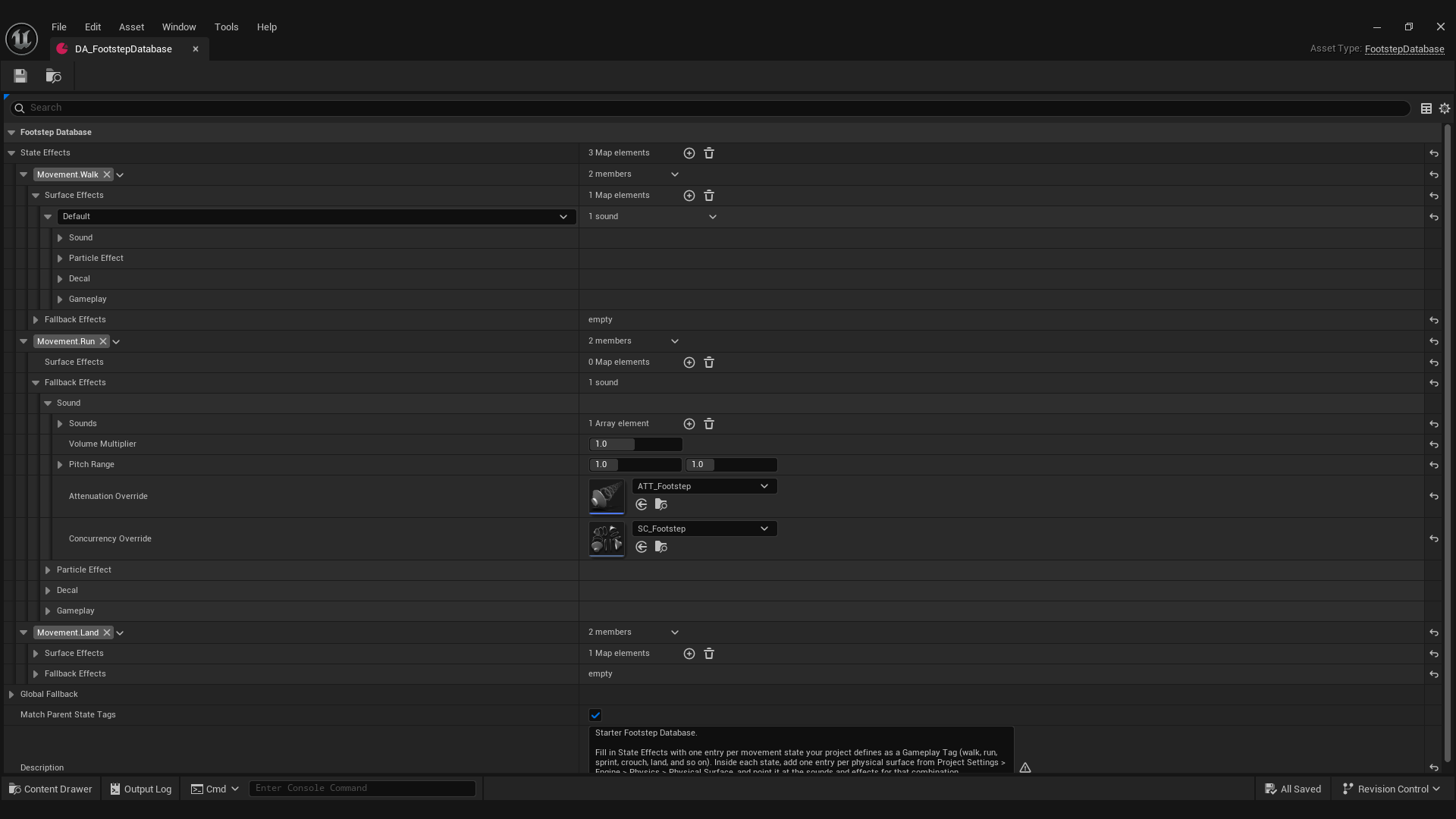
| Footstep Database | The asset that maps state and surface to sounds. |
| Footstep Action | Optional Blueprint logic that runs on one state and surface. |
Where to go next
- Installation to get it into your project.
- The demo to hear it working in a finished level.
- Quickstart to set up your first footstep.