Setting it up
Baked PBAO
Bake AO into vertex colours for zero runtime cost.
PBAO bakes ambient occlusion into a static mesh's vertex colours. It costs nothing at runtime, so it is the pick for static props on a tight budget.
Bake it
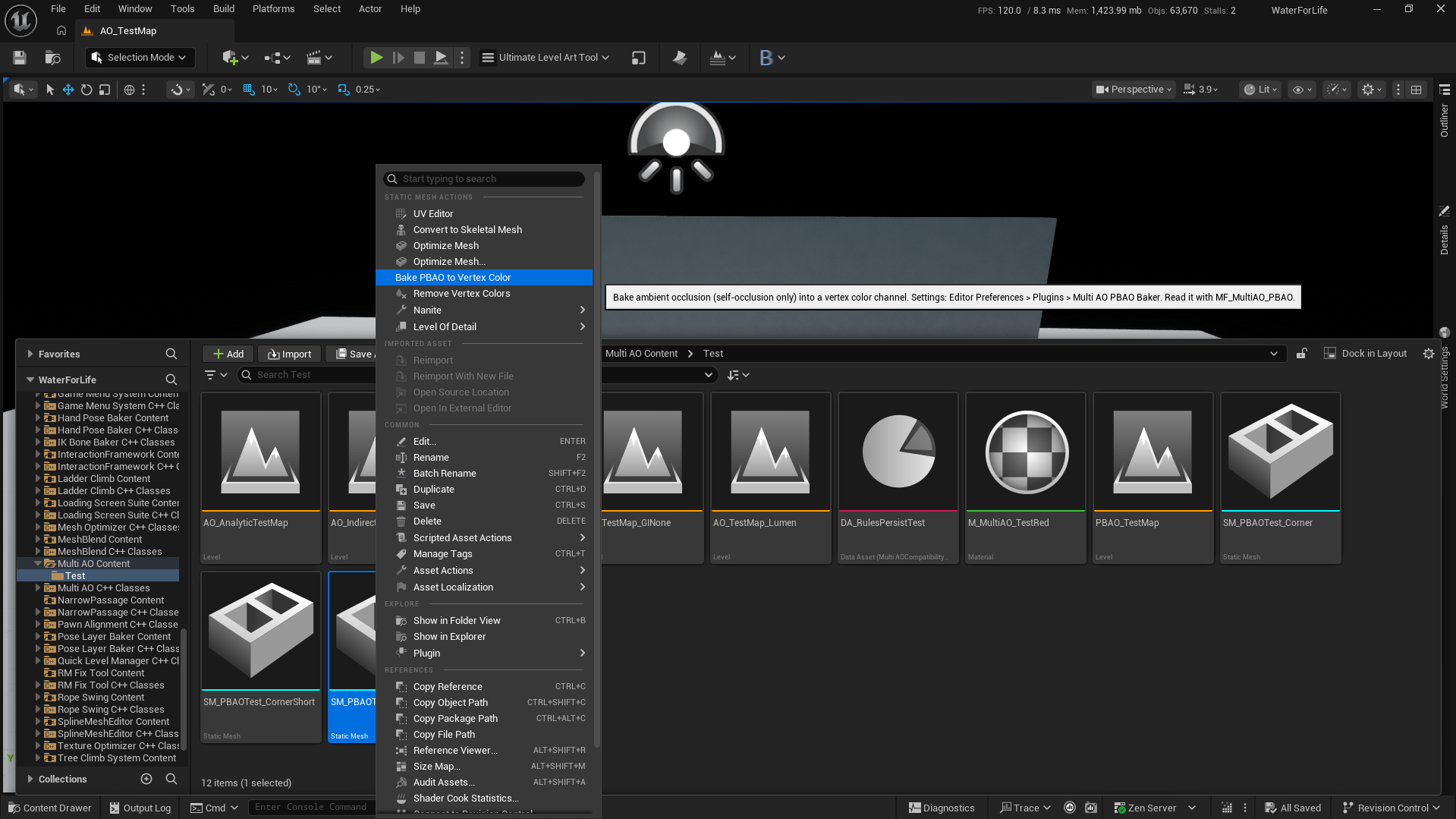
- Select one or more static meshes in the Content Browser.
- Right click and pick Bake PBAO to Vertex Color.
- Save the meshes.
Use it in a material
Add MF_MultiAO_PBAO to the material and plug it into Ambient Occlusion. M_MultiAO_PBAOLitExample shows the setup.
Bake settings
Under Editor Preferences > Plugins > Multi AO PBAO Baker:
| Setting | Default | What it does |
|---|---|---|
| Ray Count | 128 | Rays per vertex. More is smoother and slower |
| Max Distance | 100 | How far a ray looks for occluders, in local units |
| Channel | Alpha | Which vertex colour channel gets the AO |
| All LODs | on | Bake every LOD, not only LOD 0 |
Limits
- Self occlusion only: a mesh does not get darker from the mesh next to it.
- Quality follows the vertex density. Big flat triangles get one value per corner.
- Painted vertex colours on an instance override it, and reimporting the mesh replaces it.
- It is material AO like the other methods, so under Screen Space GI it has the same limit: see Diffuse Strength in Settings.