Get started
Introduction
What Quick Level Manager does and what it does not.
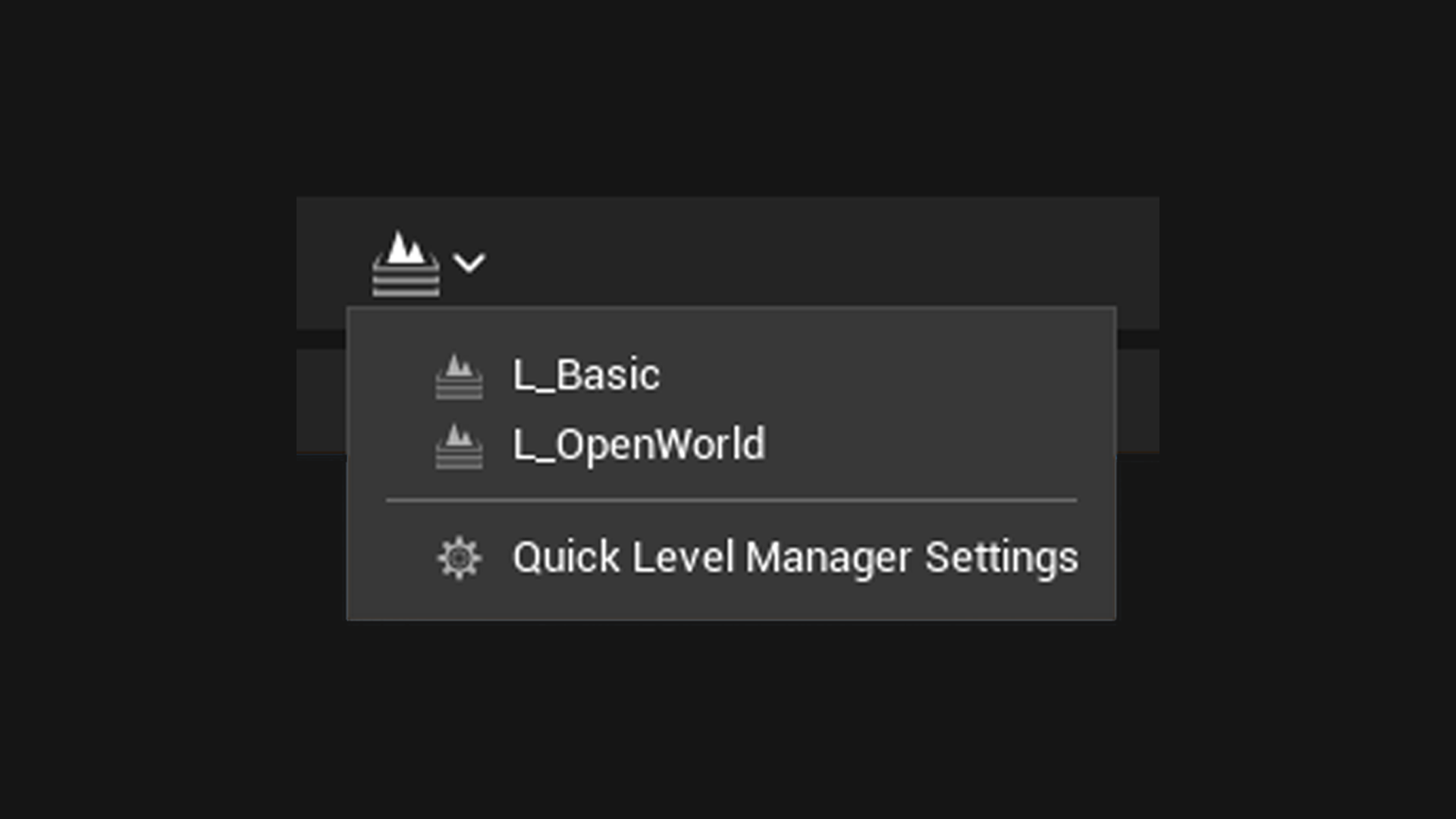
Quick Level Manager adds one button to the Unreal Engine Level Editor toolbar: a dropdown listing the levels you work in most. Pick one, and the editor opens it.
What it does
- Puts a level switcher in the toolbar, immediately right of the play controls.
- Opens any level on the list in one click, prompting you to save first the way File > Open Level does.
- Keeps the list in Project Settings, written to a config file you can commit, so a team shares one list.
Where to go next
- Installation to get it into your project.
- Quickstart to fill the list and use it.