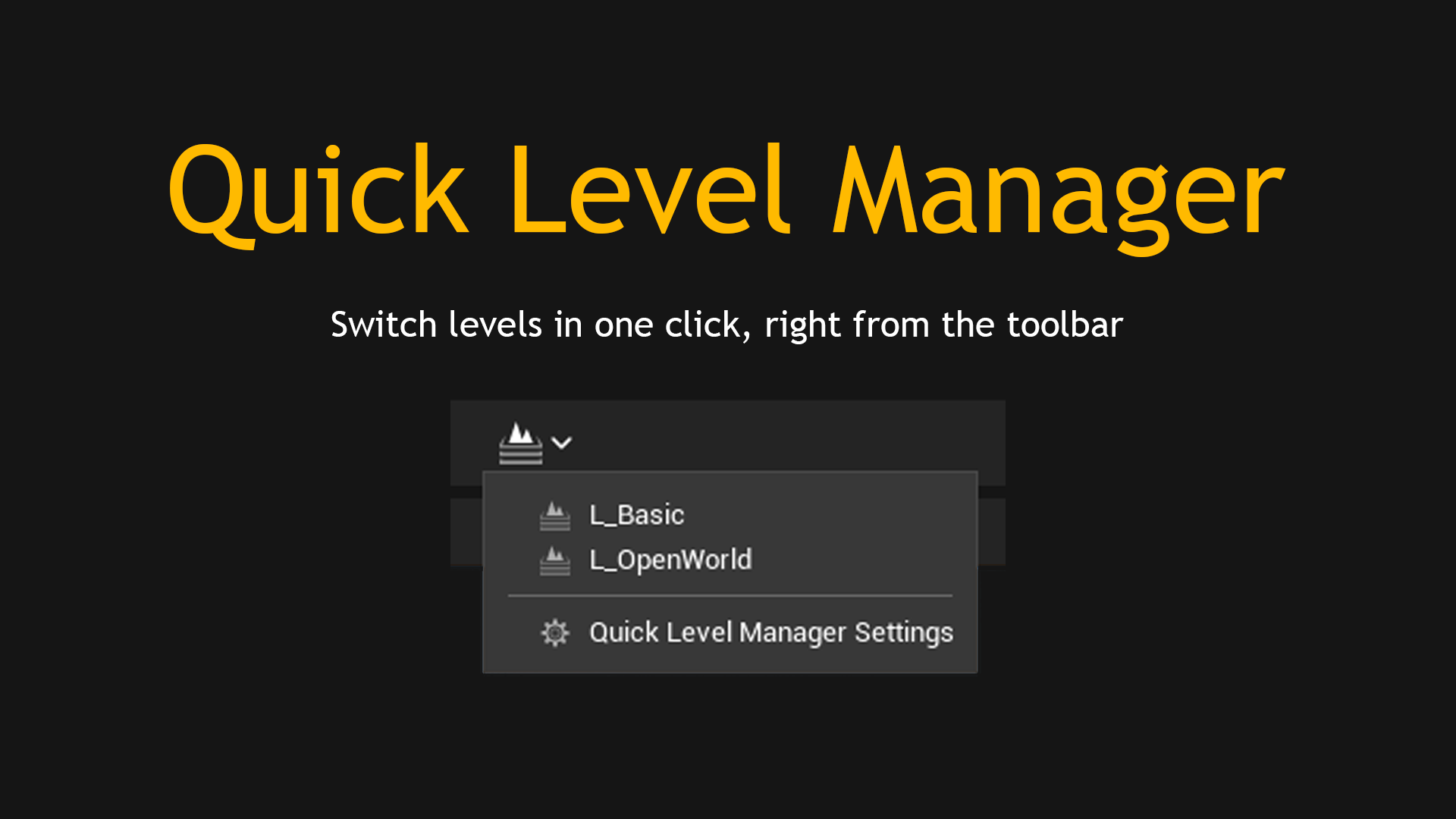
Quick Level Manager for Unreal Engine
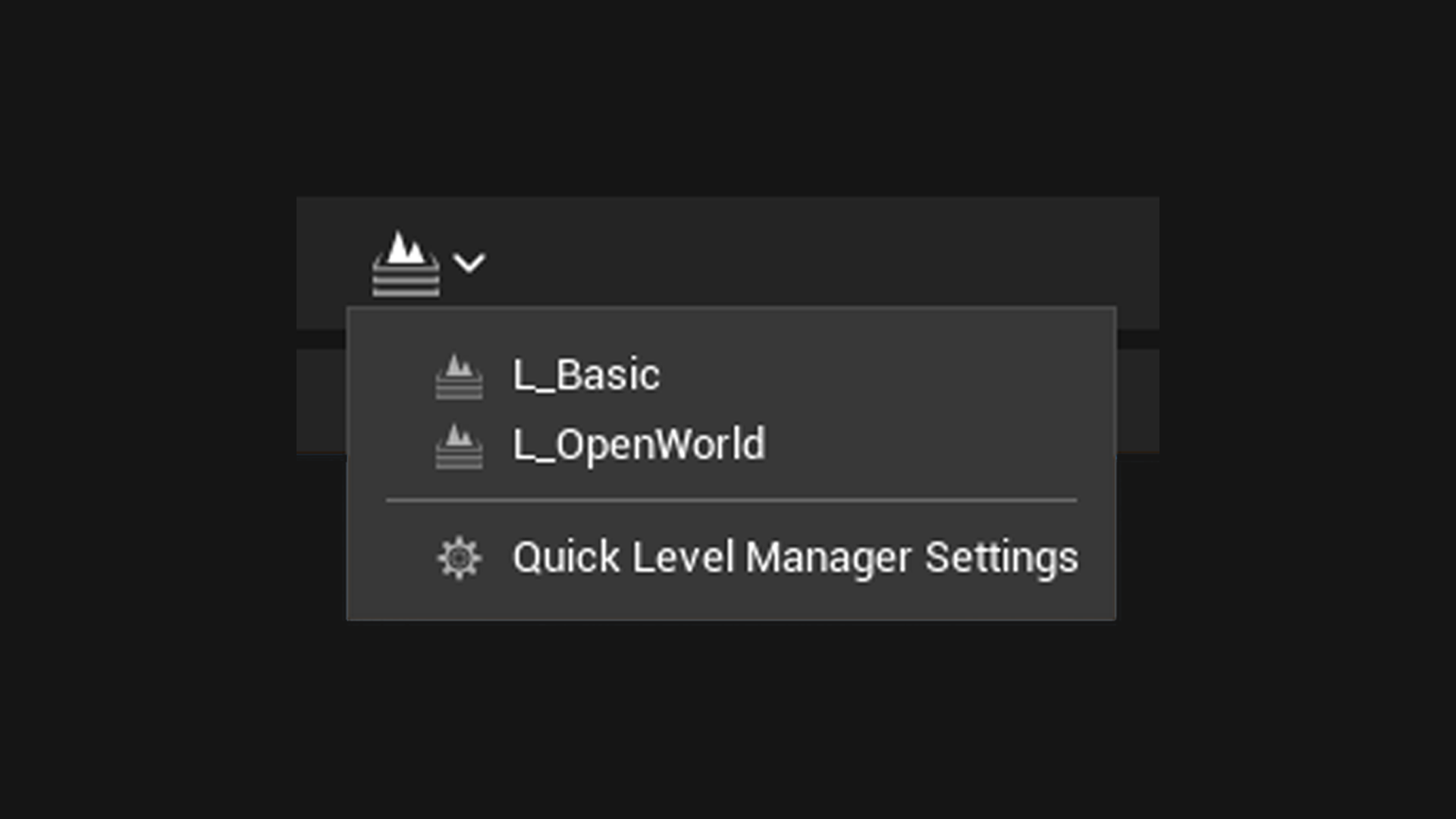
A level switcher for the Unreal Engine toolbar. Keep the levels you actually work in on a dropdown next to the play controls and open any of them in one click.
Quick Level Manager is a small Unreal Engine 5 editor plugin that puts a level switcher in the Level Editor toolbar. You keep a list of the levels you actually work in, and open any of them in one click instead of going through the Content Browser.
I made it because on a project with a few hundred maps, opening a level is a search box and a scroll, every time, all day. The levels you actually open are usually the same five.
What it does
- Adds a dropdown to the toolbar, right of the play controls, listing the levels you chose.
- Opens a level in one click, with the same save prompt you get from File > Open Level, so backing out of it cancels the switch rather than losing work.
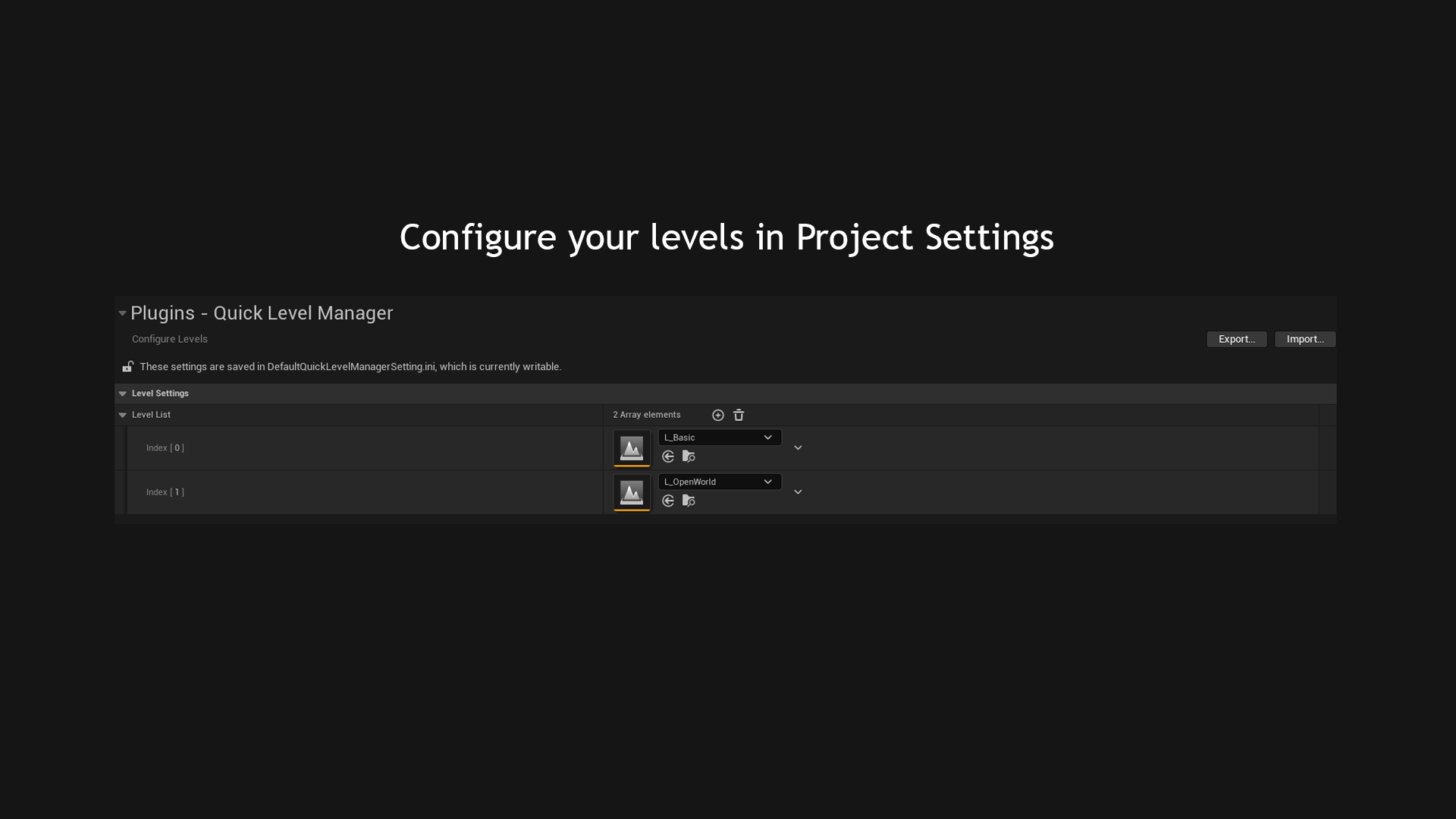
- Keeps the list in Project Settings, written to a config file you can commit, so a team shares one list instead of each person building their own.
- Disables itself during Play In Editor, because loading a map mid-session would tear the session down underneath you.
How it is built
- UE 5 C++ editor plugin. Two classes, about two hundred lines, in an Editor module so it is compiled out of packaged builds.
- The button extends
LevelEditor.LevelEditorToolBar.User, the engine's own toolbar extension point. - No custom Slate style set. It borrows
AssetEditorToolbarand theLevelEditor.Tabs.Levelsicon, so spacing, hover states, theming and the icon only layout all come from the editor. - The level list is a
UDeveloperSettingsof soft object references to worlds, which is what produces the asset picker rows in Project Settings.defaultconfigputs it in a committable project ini. - Opening a level reuses File > Open Recent's path:
SaveDirtyPackages, stop if cancelled, thenLoadMap. - The menu is built from a
FNewToolMenuDelegate, so it rebuilds on open and settings changes appear immediately.